

 Benjamin Carter
If you’ve ever run multiple accounts, long data-collection jobs, or any workflow that needs a stable online identity websites actually trust, you’ve hit the same walls: rotating IPs drop sessions, a datacenter IP gets identified on sight, and free IP lists are effectively unusable. The best static residential IP services exist to solve exactly this problem.
This guide explains what a static residential IP (i.e., an ISP IP) really is, why a dedicated static IP matters, how pricing per IP compares with per-GB billing, and which IP providers are worth paying for in 2026.
A static residential IP is an IP address registered to a real consumer internet service provider (such as Comcast, AT&T, Verizon, or BT) but hosted on server hardware. In other words, the target website sees a genuine residential IP, while you get datacenter-grade speed and stability.
Two properties define this proxy type:
Because of this hybrid nature, the product goes by several names in the market: static residential IP, ISP IP, static ISP IP — they all refer to the same thing.
The first step in choosing a proxy service is understanding the four main categories:
| IP type | IP source | Rotation | Billed by | Best for |
| Static residential / ISP IP | ISP-registered, server-hosted | Never (fixed IP) | Per IP / month | Account management, logins, long sessions |
| Rotating residential IP | Real consumer devices (P2P pool) | Per request or timed | Per GB | Large-scale web crawling |
| Datacenter IP | Cloud / server facilities | Static or rotating | Per IP | Speed, low-cost bulk volume |
| Mobile IP | 4G/5G carrier IPs | Static or rotating | Per IP or per GB | App testing, social platforms |
A few practical takeaways:
Most comparison articles skip a critical distinction: “static” describes rotation behavior, while “dedicated” describes usage rights.
If you’re a cross-border e-commerce seller who needs a clean IP to maintain long-term account stability and store reputation, which IP type should you choose? The answer is obvious: for scenarios involving financial transactions and higher security requirements, a dedicated static residential IP is simpler, safer, and better for business.
Static residential ips are almost always sold with pricing per IP — you pay a flat monthly fee for each IP, usually with unlimited or generous bandwidth included. Rotating residential ips, by contrast, are billed per GB of traffic.
What this means for your budget:
Example calculation — 10 dedicated static IPs for 30 days at typical 2026 prices:
| Billing model | Approximate cost | Notes |
| Per IP (budget provider) | ~$15–$30 | Usually unlimited traffic |
| Per IP (premium provider) | ~$30–$60 | Better ASNs, SLAs, and support |
| Per GB (10 GB rotating traffic) | ~$30–$130 | Cost grows with traffic |
Before you buy residential ip plans, estimate the monthly traffic per identity. If each IP consumes more than a few gigabytes, pricing per IP almost always wins.
Based on current pricing pages, independent third-party testing, and market reputation, these residential ip providers deserve a place on your shortlist. Prices change frequently — always check the official site before buying a static residential ip.
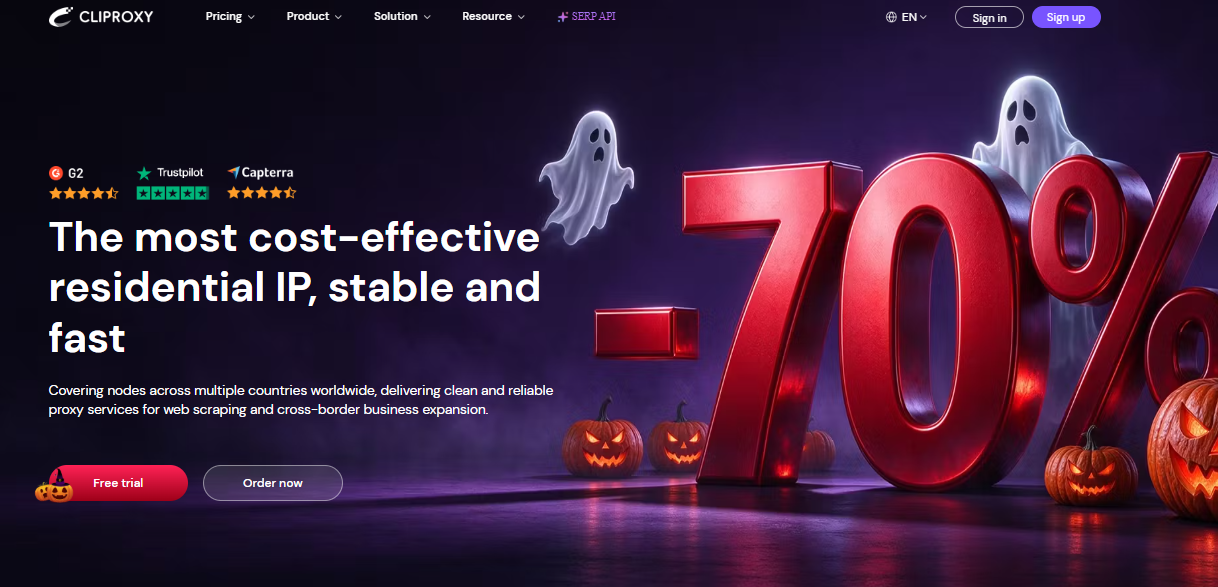
CliProxy operates a residential IP pool of IPs covering the globe, with billing that spans every mainstream model: dedicated static residential (ISP) IPs from $3/IP/month with unlimited bandwidth, rotating residential from $0.58/GB with traffic that never expires, short-term residential IPs from $0.04/IP, plus unlimited port- and bandwidth-based plans for high-concurrency workloads. All static IPs are 100% dedicated, their ISP origin can be verified via IPinfo, and third-party tests report low risk scores.
HTTP/HTTPS/SOCKS5 and API access are supported, with ready-made integrations for antidetect browsers including Kameleo, GoLogin, Octo Browser, and Dolphin Anty. New users can apply for a free trial.
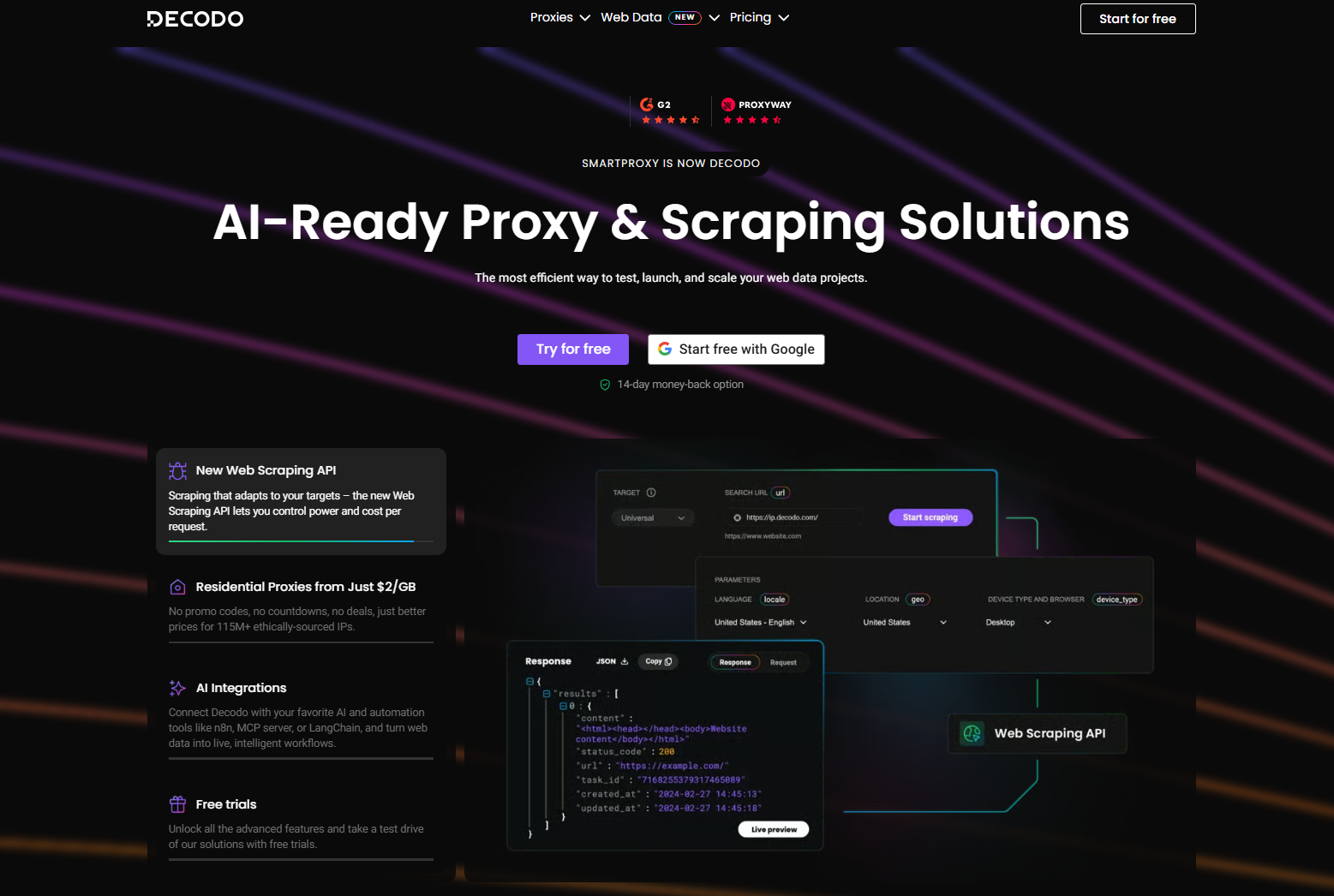
Well-balanced infrastructure with sub-0.2s average response times and 99.99% uptime. Static residential starts around $3.33/IP at entry and drops toward $0.27/IP at bulk volume, with both per-IP and per-GB billing available. A 14-day money-back guarantee keeps the first purchase low-risk.
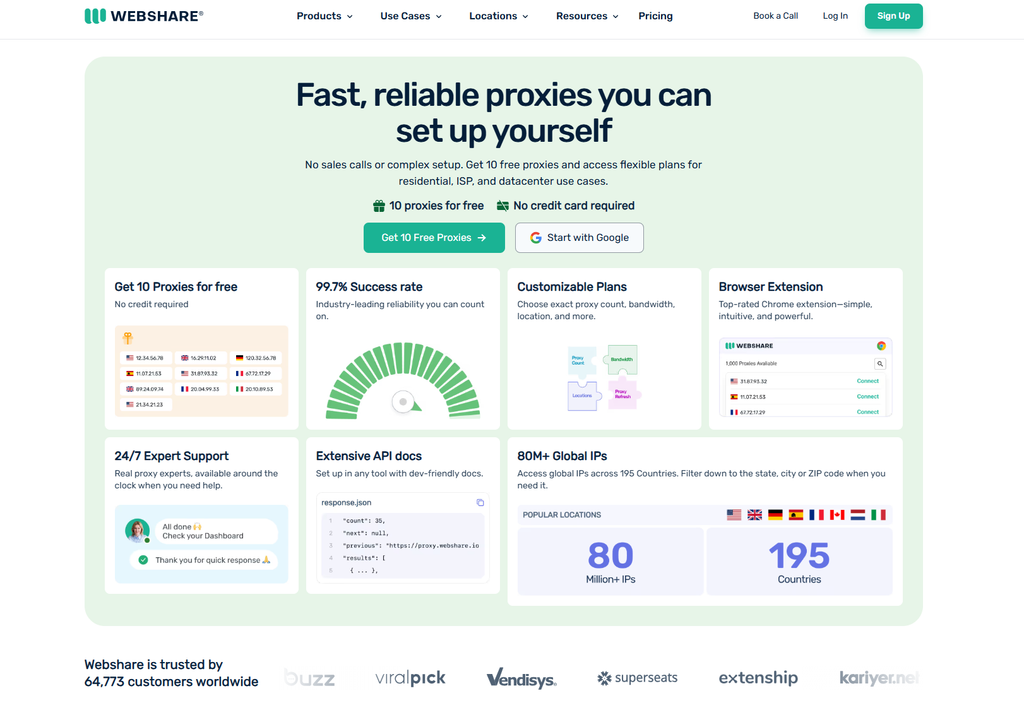
The lowest entry barrier in the industry: shared static residential from ~$0.23/IP, private from ~$0.53/IP, and dedicated from ~$1.47/IP. A permanent free tier (10 IPs) is well suited for testing.
The largest ISP ip network (~1.5M static residential IPs), with five-level targeting across country, city, ZIP code, carrier, and ASN. Shared from ~$1.30/IP, dedicated from ~$3.20/IP, with pay-as-you-go available.
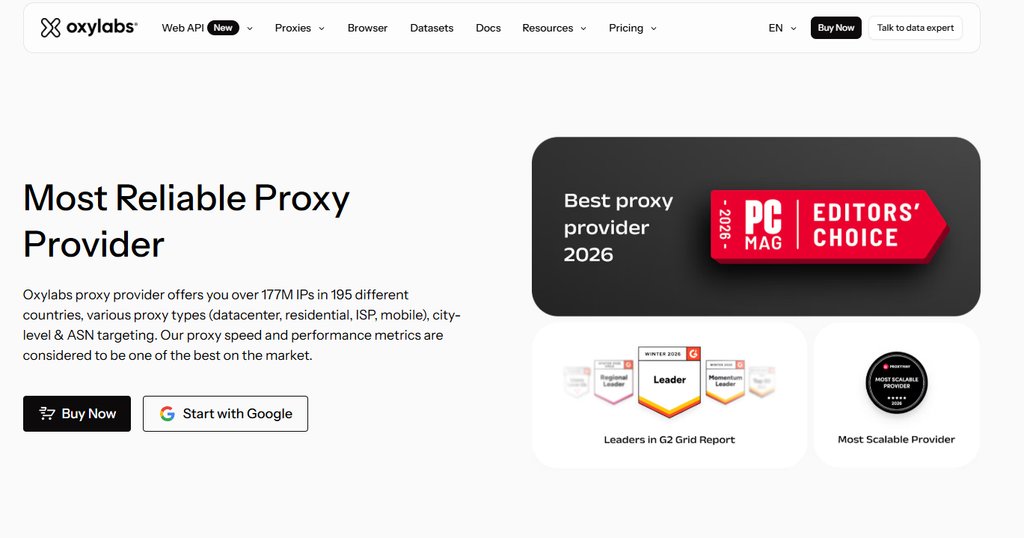
Dedicated ISP ip with full ASN selection — you can specify whether your IP registers under Comcast, AT&T, BT Group, Orange, and more. From ~$1.60/IP with unlimited bandwidth under a fair-use policy. If you need a ip from USA carriers or tier-1 European operators, it’s one of the most reliable choices.
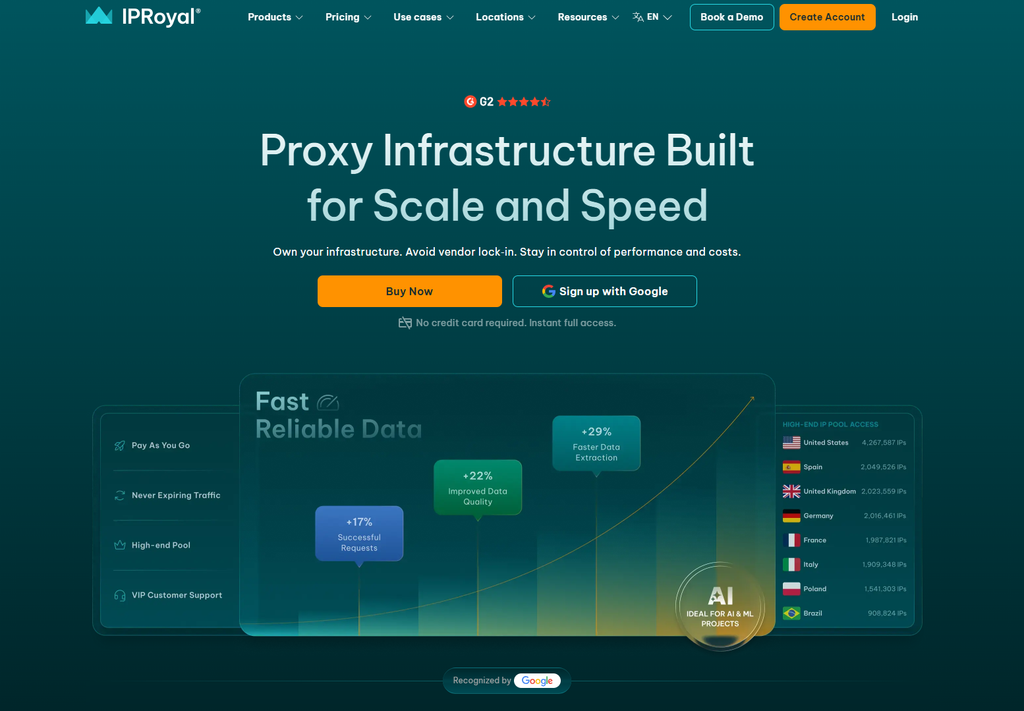
Truly unlimited bandwidth on every static residential IP, 100% dedicated, at roughly $2.00–$2.40/IP. You can buy a single IP for a week, validate your workflow, and scale up from there.
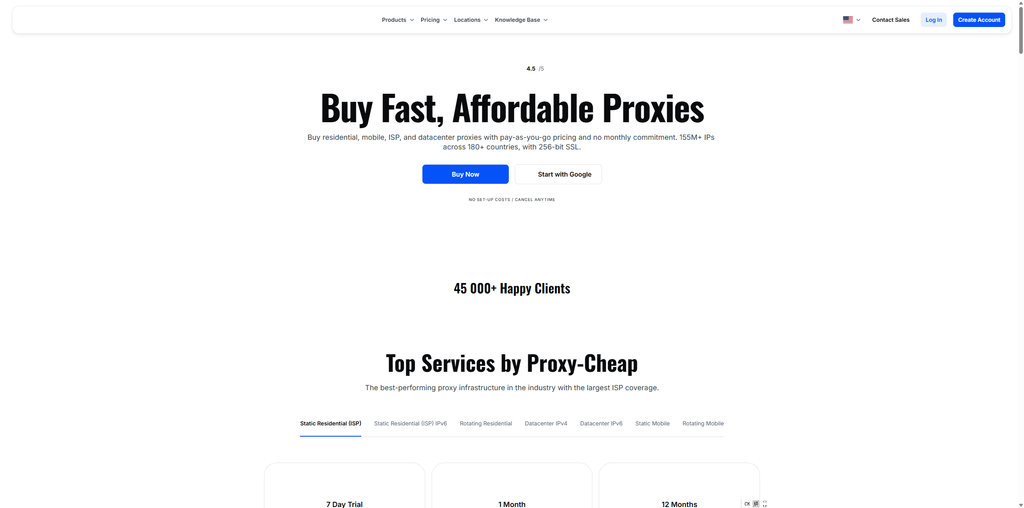
Proxy-Cheap lives up to its name: dedicated static residential at roughly $1.27–$3.39/IP depending on the plan, with unlimited bandwidth and HTTP/HTTPS/SOCKS5 support. A 7-day trial at ~$1.99 lets you validate against your targets first. For dedicated, ISP-sourced cheap proxies, this is the value pick.
When comparing IP providers, weigh these factors in order:
Claim your coupon with code lZvJcWBLCm and enjoy 5% off storewide!
The best static residential ip is the one whose IP type, exclusivity, and billing model best match your workload:
Best overall: CliProxy — solid infrastructure, flexible billing, and budget-friendly pricing across every product line.
Start with a trial plan or a handful of IPs, validate against your real targets, and scale what works. Whether you call it an ISP ip, a static residential ip, or a dedicated static IP, pricing per IP makes costs predictable — and predictability is exactly what a serious ip operation needs.
The prices cited in this article were verified against provider pricing pages in October 2026. Pricing changes frequently — always refer to the official websites for the latest information.
Start your Cliproxy trial

Benjamin Carter 2025-08-23 · 10 min read

Benjamin Carter 2026-06-26 · 7 min read

Benjamin Carter 2025-04-06 · 10 min read